Showing posts with label Erin Condren. Show all posts

Saturday, 26 December 2020

Whimsy Stamps - Dragon Delivery

Hi Everyone :-)

It is Boxing Day here in Australia and I am so behind on all my posting, last week I was off work so so sick and on Monday afternoon my youngest had a fall on the trampoline and broke his arm and fractured his wrist (yep all this a week before Christmas). I will post pics at the end of my blog post so y'all can see. 


Anyway, Today I am here to share with you a planner layout I created using Whimsy Stamps Dragon Delivery, this is a Digital Stamp from the Dustin Pike Collection. 


I printed the image onto PPS Sticker Paper using my Brother Laser Printer. 


I coloured the image using Prismacolor Pencils, Paper Stumps and blending solution. 


I am using my Erin Condren Vertical Planner for my layout today.

I adhered some road washi tape to the right side of my layout and adhered the trimmed down image.


On the left hand side I decorated with stickers from my stash.


As I mentioned earlier here is a pic of poor little boys arm
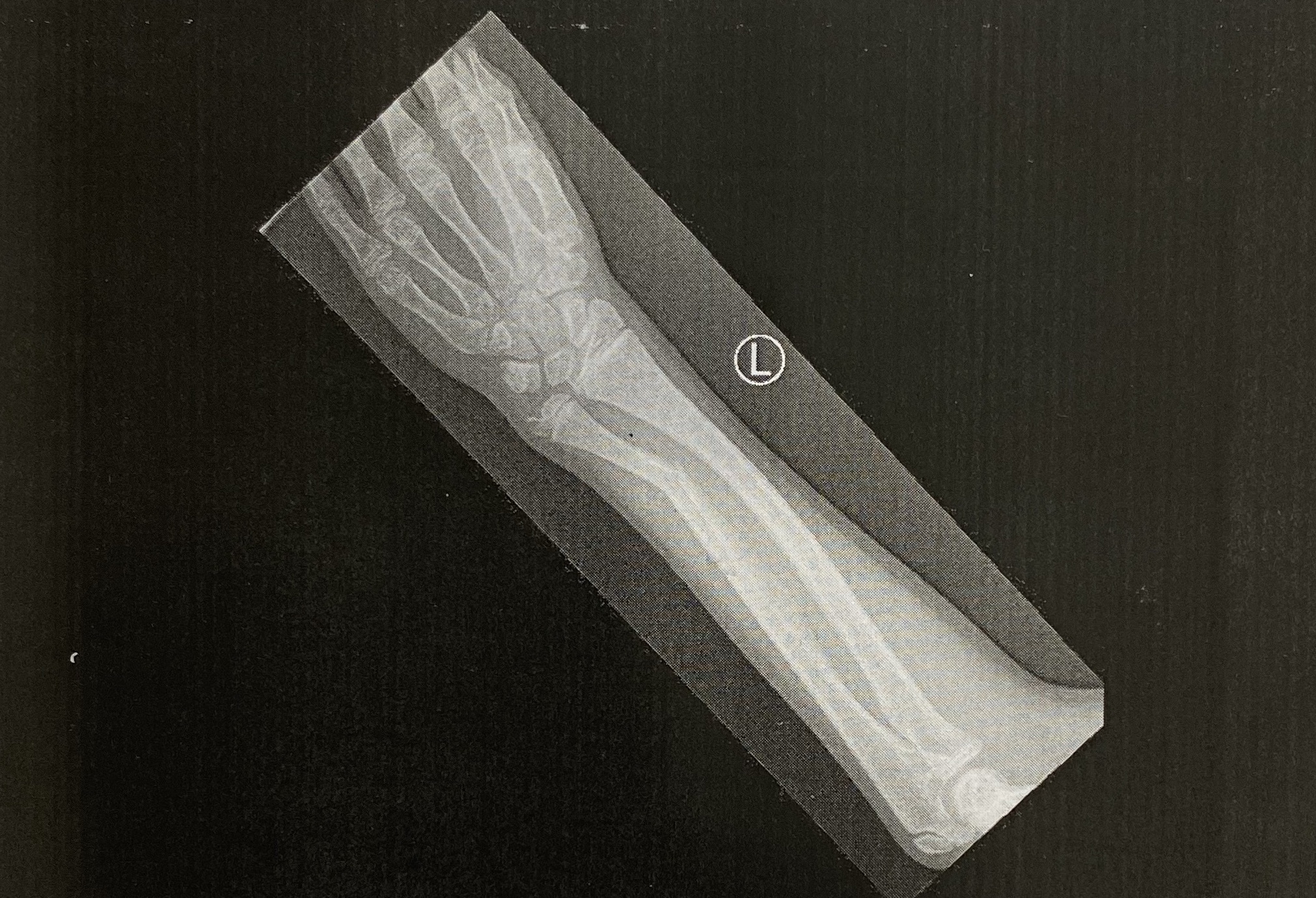

You can see the huge break and how it is causing the other bone to bow, he also has a fracture in his wrist :-( We are off to see the surgeon and get new X-rays this week after he had it manipulated last week.

I hope you have enjoyed my post today, if you have any questions feel free to send me a message or contact me via facebook (all links can be found below).

Watch the You Tube Video Here


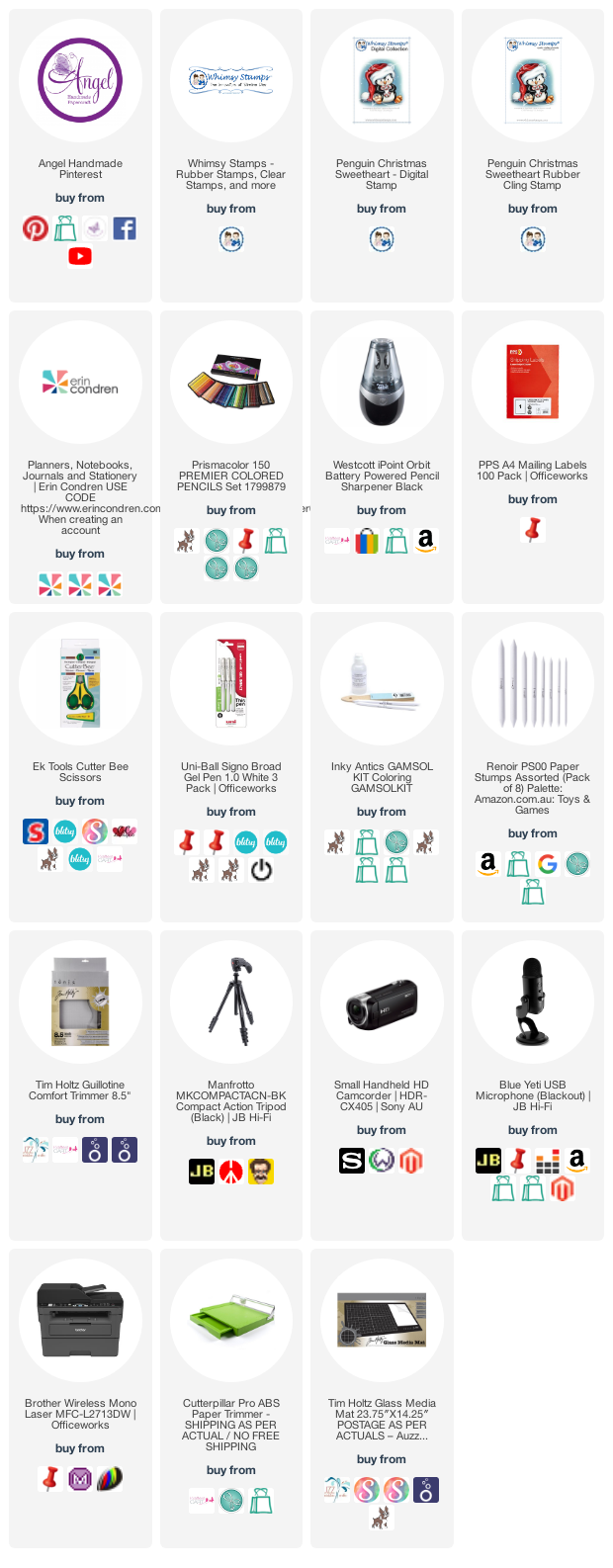
Products Used On My Card (Affiliate Links Used Where Possible)
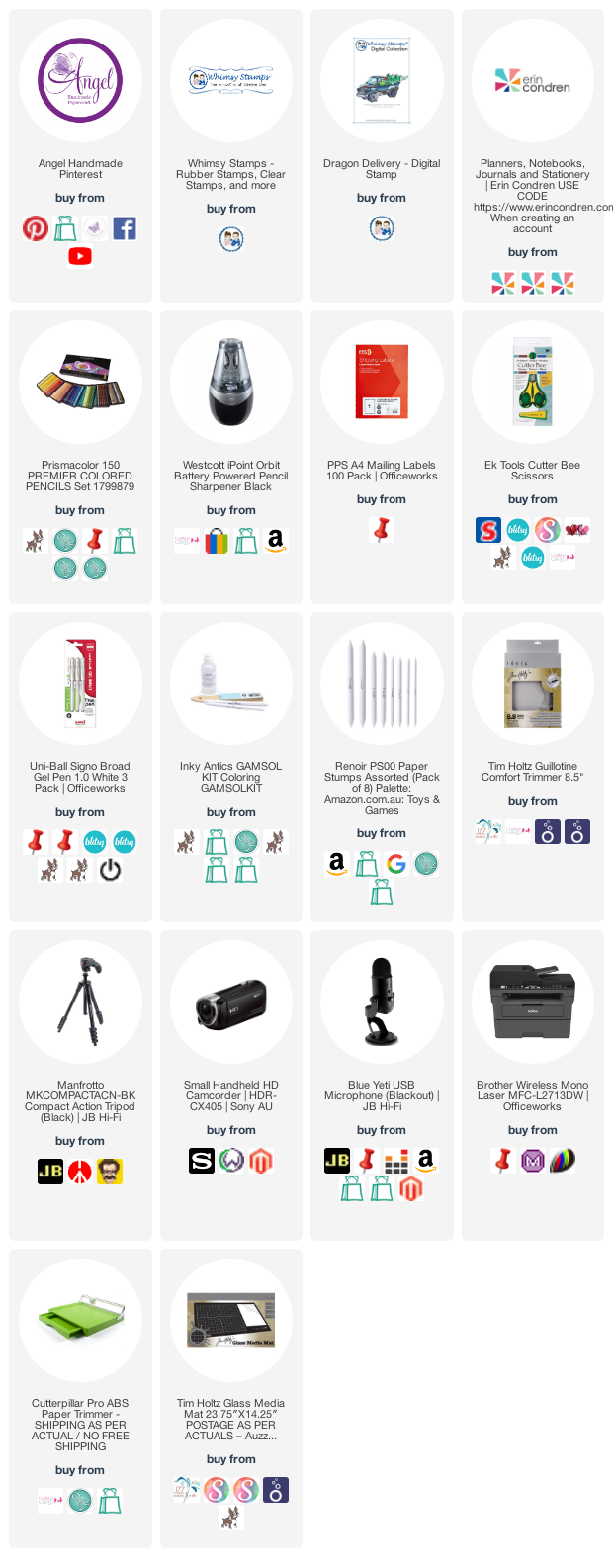

Prismacolor Pencils Used 

PC912, PC909, PC907
PC923, PC925, 
PC1009, PC995
PC1054, PC1058
PC1058, PC935

Thanks for stopping by, Deni

CAMERA SET UP - FOR YOU TUBE VIDEOS ONLY
Blue Yeti Microphone
Sony Handycam HDR CX4-05
Tripod – Manfrotto MKCompactaCN-BK

S O C I A L MEDIA 
B L O G : https://ldli.co/e/3xky6x 
I N S T A G R A M : https://ldli.co/e/5dn20x
YOU TUBE: https://ldli.co/e/ej5l90 
F A C E B O O K: https://ldli.co/e/mjxn2r
PINTEREST: https://ldli.co/e/2l9zom


I was a 2018 Ambassador for Copic Marker Australia and NZ


Whimsy Stamps - Penguin Candy Cane + Erin Condren Vertical Planner Layout

Hi Everyone, 

Hope everyone has had a lovely Christmas!

Today I am sharing with you a planner layout I created in my Erin Condren Vertical Planner using Whimsy Stamps Penguin Candy Cane (I used the Digital however you can use the rubber if you prefer). 


I printed the stamp out with my printer directly onto PPS Sticker Paper after I resized it on my computer to fit my layout (OK.. so I may have totally winged it and not planned the size haha). 


Using Prismacolor Pencils, a blending stump and blending solution I coloured the image up, I filed the colour off my blending stump in between each colour to prevent any bleeding or carrying over of colour. 


I trimmed the image down using my EK Success Cutterbee Scissors, grabbed my Erin Condren Vertical Planner and adhered the image to the left side. I laid out the rest of my planner layout around the image using some EC Stickers and some from my stash. I also used a few washi tapes I had laying around. 


I am very late in doing the voice over of this video and editing ready for upload as it has been a crazy couple of weeks for us.

I hope you have enjoyed my post today, if you have any questions feel free to send me a message or contact me via facebook (all links can be found below).

Watch the You Tube Video Here


Products Used On My Card (Affiliate Links Used Where Possible)


Prismacolor Pencils Used

PC1083, PC1054
PC1058, PC935
PC923, PC924, PC925
PC1013
PC1033, PC921

Thanks for stopping by, Deni

CAMERA SET UP - FOR YOU TUBE VIDEOS ONLY
Blue Yeti Microphone
Sony Handycam HDR CX4-05
Tripod – Manfrotto MKCompactaCN-BK

S O C I A L MEDIA 
B L O G : https://ldli.co/e/3xky6x 
I N S T A G R A M : https://ldli.co/e/5dn20x
YOU TUBE: https://ldli.co/e/ej5l90 
F A C E B O O K: https://ldli.co/e/mjxn2r
PINTEREST: https://ldli.co/e/2l9zom


I was a 2018 Ambassador for Copic Marker Australia and NZ


Tuesday, 1 December 2020

Whimsy Stamps - Reindeer Training Time

Hi Everyone,

I cannot believe we are in December already, this year has to be one of the craziest and quickest years we have had, weather wise we have had floods, hail, bushfires and COVID 19. 

A sneak peak of my post before I chat more...


We have had some of the hottest days we have ever had - including one a few days ago with 45 degrees celsius, the SAT Nav in my car even said it was too hot and I had to wait for it to cool down hahah. It went up to 45 just after I started driving so I didn't get a photo.. 


Anyway, today I am sharing with you one of the new images in the Whimsy Stamps December 2020 Digital Release. This gorgeous image is Reindeer Training from Crissy Armstrong.


I printed the image onto PPS Sticker Paper (you can probably use any sticker paper however this is the only one I can buy in my local stationary shop) using my Brother Laser Printer.


I coloured the image using my Prismacolor Pencils, using a paper stump and blending solution to blend the colours out, you can find a list of all the pencil colours I have used below the Product list at the end of my post. 


 I then fussy cut him using EK Success Cutterbee Scissors. These are my go to scissors when it comes to fussy cutting. 

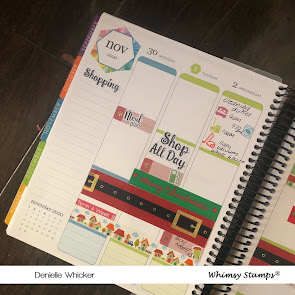
I pulled out my Erin Condren Vertical Life Planner and started working on my Planner Layout. 


I used a few different washi tapes from my stash (sorry I do not have any links as I have had these for a very long time). I used stickers from many different shops that I will not try and link as they have been in my stash for quite a while. I haven't decorated my planner in so long but am so happy to be pulling everything out again. 


If you are interested in purchasing an Erin Condren Life Planner or any of their other products I would really appreciate you using my referral link here, this link will give us both a $10 credit on our EC Accounts.


If you haven't already checked out the Whimsy Stamps New Release go and do so, there are so many gorgeous new images for you to play with :-)


I hope you have enjoyed my post today, if you have any questions feel free to send me a message or contact me via facebook (all links can be found below).

Watch the You Tube Video Here


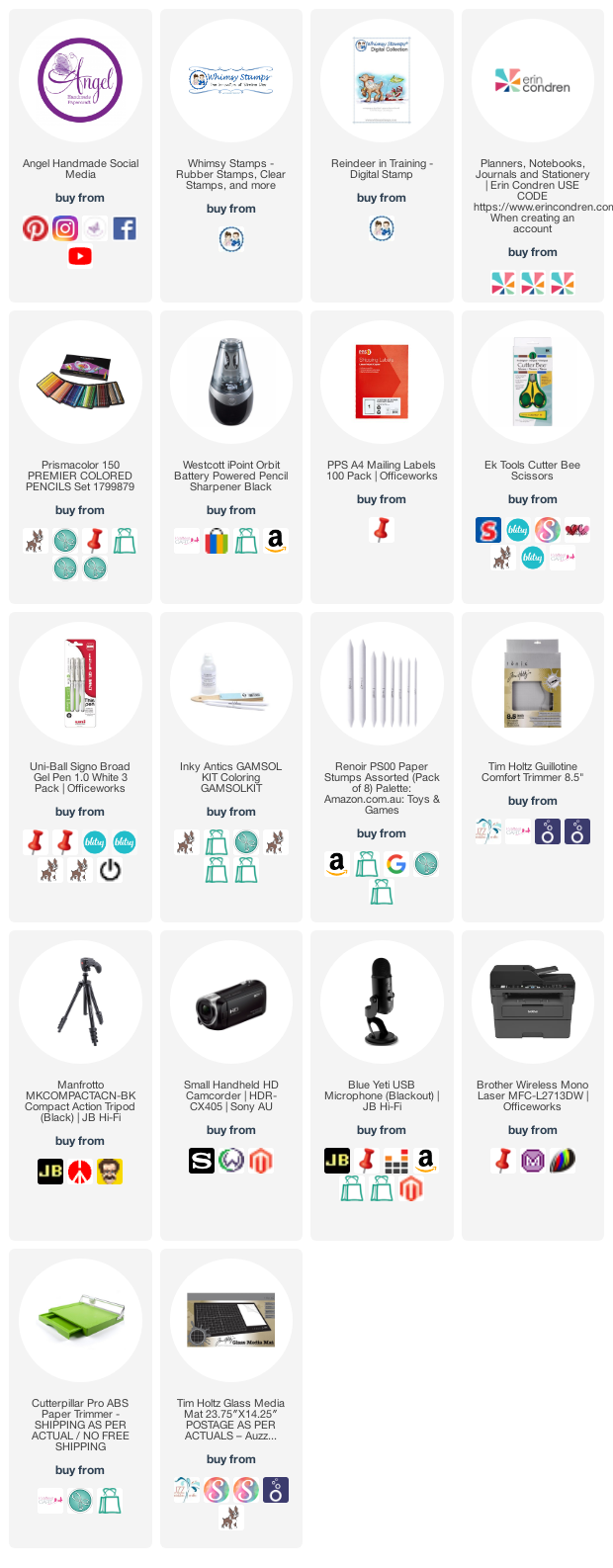
Products Used On My Card (Affiliate Links Used Where Possible)


Prismacolor Pencils Used

PC 916, PC950
PC 1054
PC 1033, PC 1082, PC 1013
PC 937, PC1082
PC 923, PC 925
PC 912, PC 907

Thanks for stopping by, Deni

CAMERA SET UP - FOR YOU TUBE VIDEOS ONLY
Blue Yeti Microphone
Sony Handycam HDR CX4-05
Tripod – Manfrotto MKCompactaCN-BK

S O C I A L MEDIA 
B L O G : https://ldli.co/e/3xky6x 
I N S T A G R A M : https://ldli.co/e/5dn20x
YOU TUBE: https://ldli.co/e/ej5l90 
F A C E B O O K: https://ldli.co/e/mjxn2r
PINTEREST: https://ldli.co/e/2l9zom


I was a 2018 Ambassador for Copic Marker Australia and NZ


Saturday, 21 November 2020

Whimsy Stamps - Penguins Decorate Erin Condren Planner

HI Everyone,

Today I have created a planner layout for you using Penguins Decorate The Tree from Whimsy Stamps which you can purchase in Rubber Form here and Digital Form here, my planner today is an Erin Condren Vertical Planner


I would really appreciate if you are going to purchase a planner from Erin that you use my affiliate link here as that will give both of us a $10 credit to them.


I'm hoping when this video goes live Black Friday Sales will still be on, If not, their items are a great price anyway. 

I printed the image onto PPS Sticker Paper which I purchased from our local stationary shop, I then fussy cut the image using EK Success Cutterbee Scissors.


I coloured the image up using Prismacolor Pencils, I will have a full list below of all the pencils I have used, then I coated some sections in Wink Of Stella Clear Glitter Brush. 


I created some Christmas Sentiments of my computer using some fonts I downloaded, I also printed these onto the same sticker paper, then trimmed the sentiments down using my Tim Holtz Guillotine. 


I used lots of stickers from my 2020 Erin Condren and also from previous years EC Planners, I recoiled all my old planners and took out the pages I didn't use (including the stickers) and put them into my current planner. 


Using some old washi tapes (seriously some of them must be like 10 years old haha), I decorate the pages in my planner then added in my image and sentiments. 


I hope you have enjoyed my post today, if you have any questions feel free to send me a message or contact me via facebook (all links can be found below).

Watch the You Tube Video Here


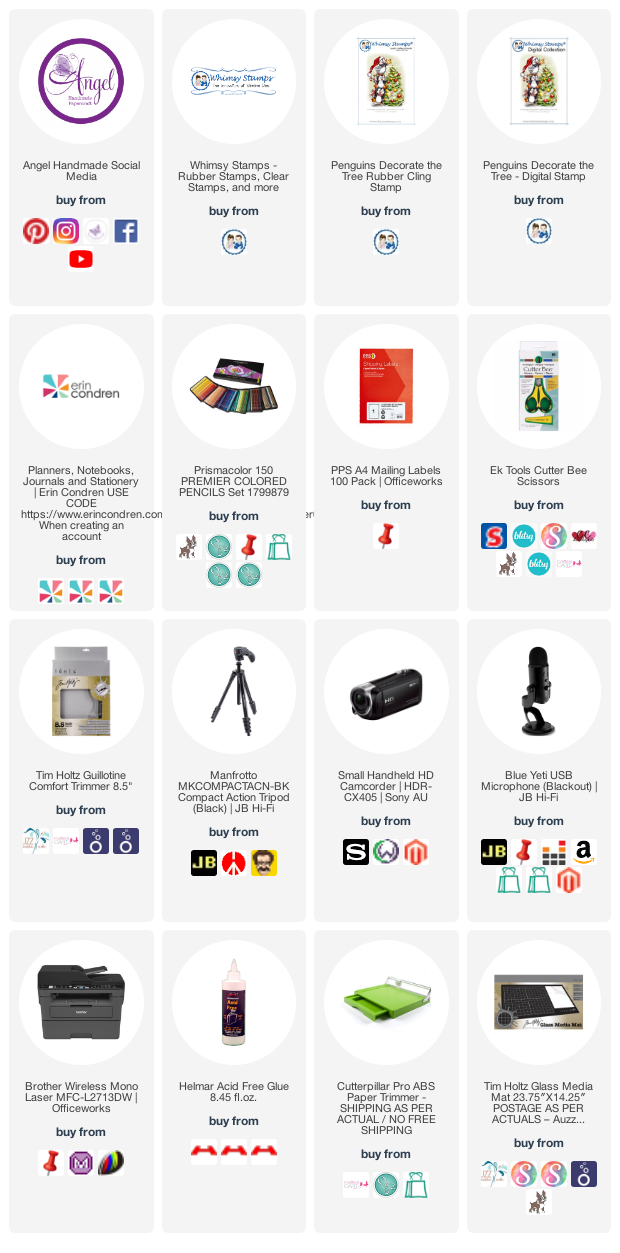
Products Used On My Card (Affiliate Links Used Where Possible)


Copic Markers Used


Thanks for stopping by, Deni

CAMERA SET UP - FOR YOU TUBE VIDEOS ONLY
Blue Yeti Microphone
Sony Handycam HDR CX4-05
Tripod – Manfrotto MKCompactaCN-BK

S O C I A L MEDIA 
B L O G : https://ldli.co/e/3xky6x 
I N S T A G R A M : https://ldli.co/e/5dn20x
YOU TUBE: https://ldli.co/e/ej5l90 
F A C E B O O K: https://ldli.co/e/mjxn2r
PINTEREST: https://ldli.co/e/2l9zom


I was a 2018 Ambassador for Copic Marker Australia and NZ


Saturday, 10 October 2020

Ghostly Planner Layout - Whimsy Stamps and Erin Condren

Hi Everyone 

Sorry I've been away for so long, I have had a lot of health issues going on including my silly ankle still giving me trouble (Last update is the screw that was put in has now moved ahh), not sure what's happening next with that is it is what it is at the moment. 

Anyways let's get onto the post. 

Today I am sharing with you a Planner Layout I have done in my Erin Condren Vertical Planner using Halloween Ghost Gang from Whimsy Stamps.


I began by printing the images onto X-Press It Blending Cardstock using my Brother Laser Printer.

I wanted to colour the images using my Copic Markers so it needed to be Copic safe card stock. 


I had to screen shot this from my video because in all the excitement of creating I forgot to take a photo of the images all coloured up.

I forgot to take photos before adhering in my planner so here is a few photos of the images in my planner.


I began colouring all the images up, adding extra details using Uni-Ball Signo White Angelic Gel Pen and Wink Of Stella Clear . 


Using my EK Success Cutterbee Scissors I fussy cut all the images out just using a small white border. (Remember the best way to fussy cut is using nice pointy sharp scissors and moving your cardstock around rather than your scissors. 


I opened my Erin Condren planner at Halloween week and began decorating using all the stickers that come with your Vertical planner and I also used some Washi Tapes from Doodlebug.

If you are interested in purchasing an Erin Condren Life Planner please use my referral link here and we will Both receive a $10 credit.

I began by laying down my Washi Tapes, I layed my images out so I knew exactly where everything was going, once my Washi was down I adhered the images and finally all my productive stickers.


I hope you have enjoyed my post today, if you have any questions feel free to send me a message or contact me via facebook (all links can be found below).

Watch the You Tube Video Here


Products Used On My Card (Affiliate Links Used Where Possible)


Copic Markers Used

E31, E33, E35
YR23, YR16, E08
YG21, YG25
V04, V06, V09
R35, R39
T6, T8, T10
B37
E04, E07, E0-
T0, T2, T4, 0 Colorless Blender
R20
E44

Thanks for stopping by, Deni

CAMERA SET UP - FOR YOU TUBE VIDEOS ONLY
Blue Yeti Microphone
Sony Handycam HDR CX4-05
Tripod – Manfrotto MKCompactaCN-BK

S O C I A L MEDIA 
B L O G : https://ldli.co/e/3xky6x 
I N S T A G R A M : https://ldli.co/e/5dn20x
YOU TUBE: https://ldli.co/e/ej5l90 
F A C E B O O K: https://ldli.co/e/mjxn2r
PINTEREST: https://ldli.co/e/2l9zom


I was a 2018 Ambassador for Copic Marker Australia and NZ